




















Skip to content

Create content once.
Publish everywhere.

Paligo CCMS — a platform for global teams to author, translate, and publish technical documentation from a single source of truth.

  • Single Source: Publish to multiple platforms from one master source.
  • Smart Reuse: Eliminate repetitive work, save up to 10 hours a week.(1)
  • Cloud Teamwork: Unite authors, contributors, and reviewers worldwide.
  • Multilingual: Effortlessly manage translations across all your channels.

★ 4.9/5 TrustRadius — Trusted by 4,000+ documentation leaders.

Unparalleled control of your content components

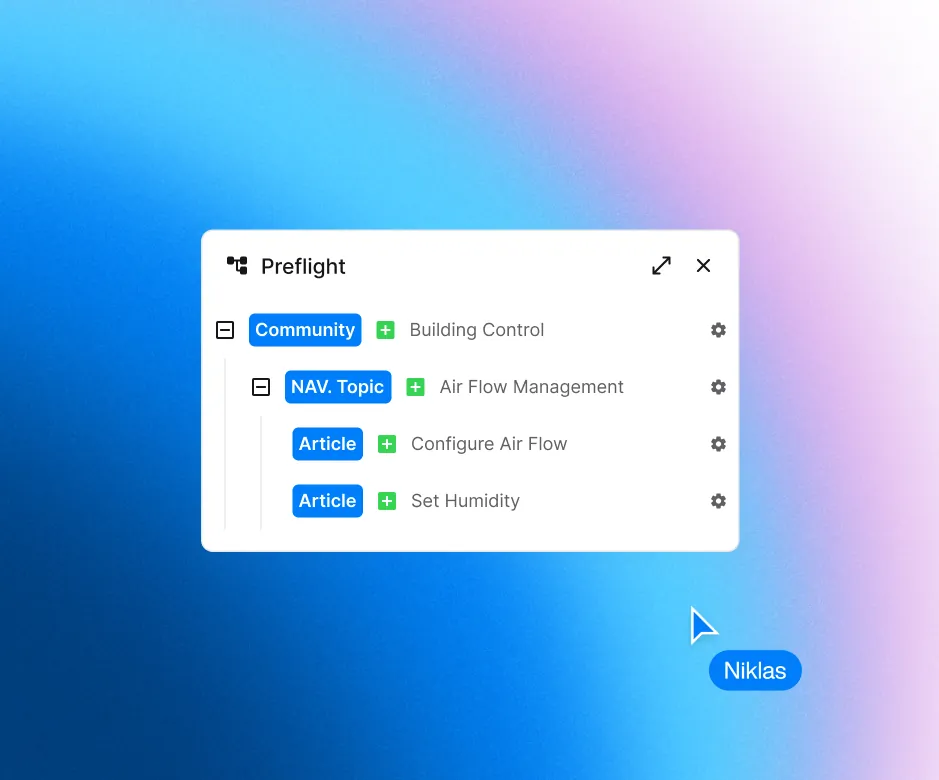
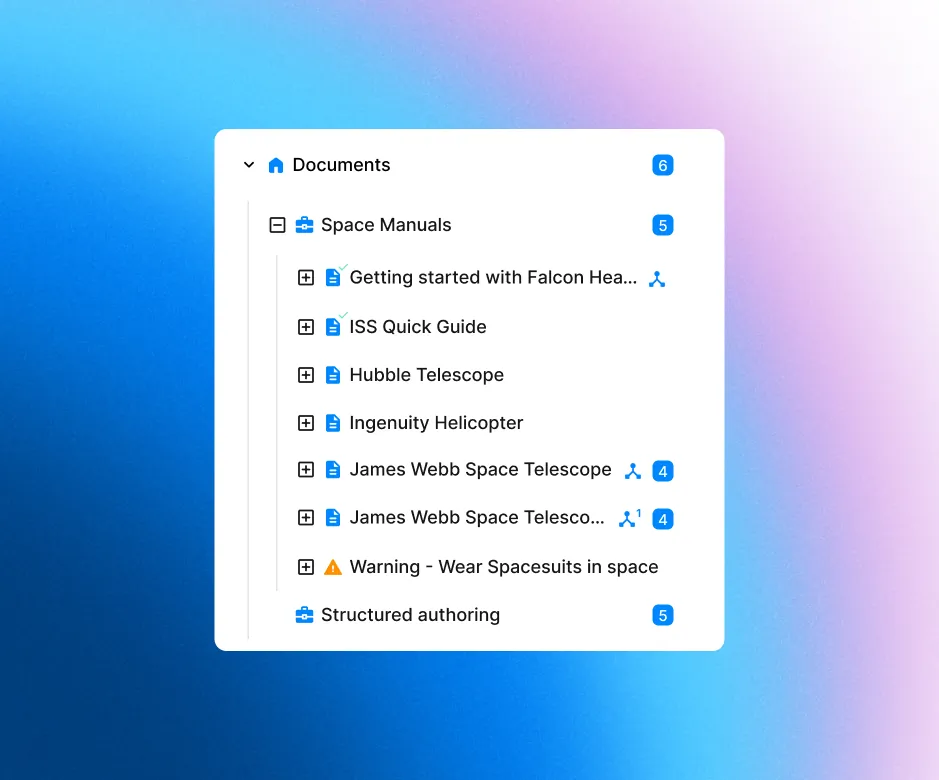
Paligo gives you unparalleled control over every granular content component at a level you’ve never seen in another CCMS. With Paligo’s unique reuse features you will always know where everything is reused, down to the smallest text fragment.

It's currently the best web-based CCMS out there.

Fabrizio Ferri-BenedettiTechnical Writer

Structured authoring
made easy

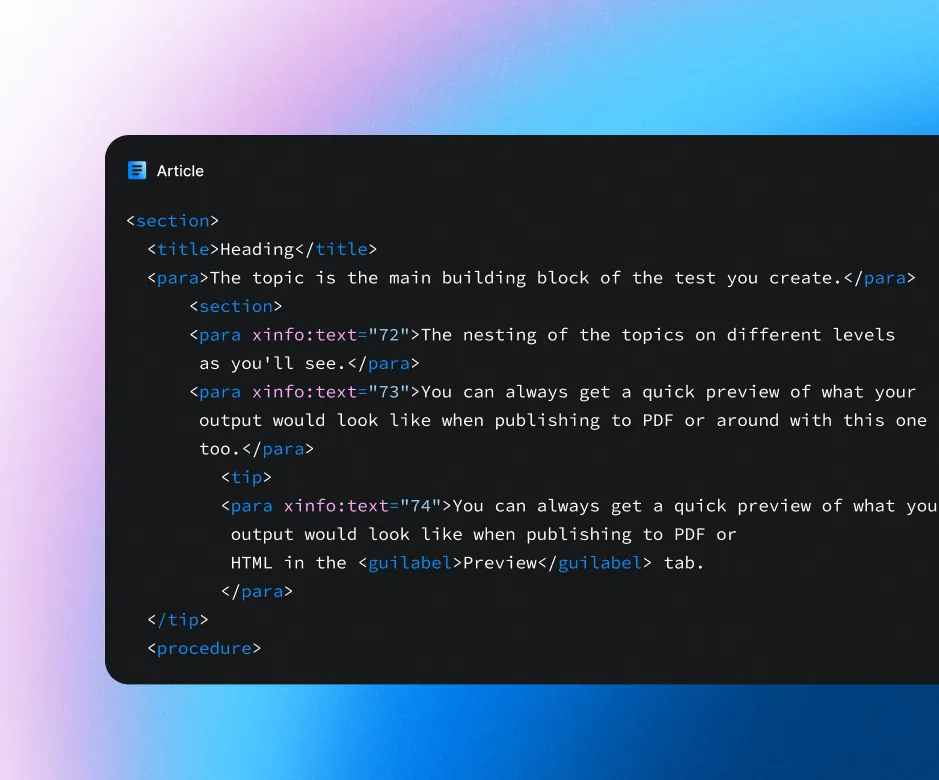
Structured authoring makes your content consistent, accurate, and future-proof. The user-friendly XML editor gives you the full power of content reuse, making structured authoring a breeze so you can focus on writing great content.

  • XML based
  • Conditional text
  • Variables
  • Component reuse

Goodbye content silos.Hello team collaboration.

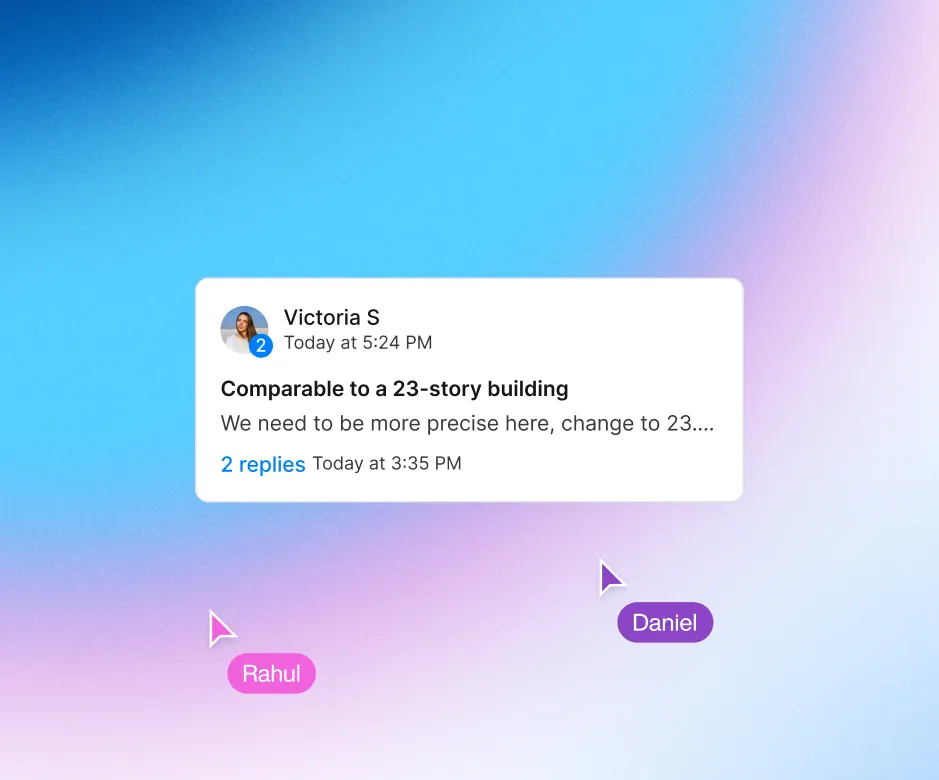
Have your entire team working together on your content. No more shuffling files back and forth. With a cloud-based component content management system, everyone is on the same page.

Explore Collaboration

Multi-channel publishing
anywhere you need

Paligo goes far beyond what you’d see in other Component Content Management Systems, with multi-channel publishing not only to HTML, PDF and the other common outputs.

You can also create beautiful HTML5 Help Centers at the click of a button, push content directly to Zendesk, Salesforce, ServiceNow, and connect to continuous integration workflows in GitHub, BitBucket, Azure, Amazon S3 and many more channels.

And yes, Paligo connects to Content Delivery Platforms like Fluid Topics and Zoomin, as well as hosting providers like Netlify and more.

See why customers love Paligo

Don’t just take our word for it. Find out why Paligo is top-rated on G2 and TrustRadius in the Component Content Management System category.

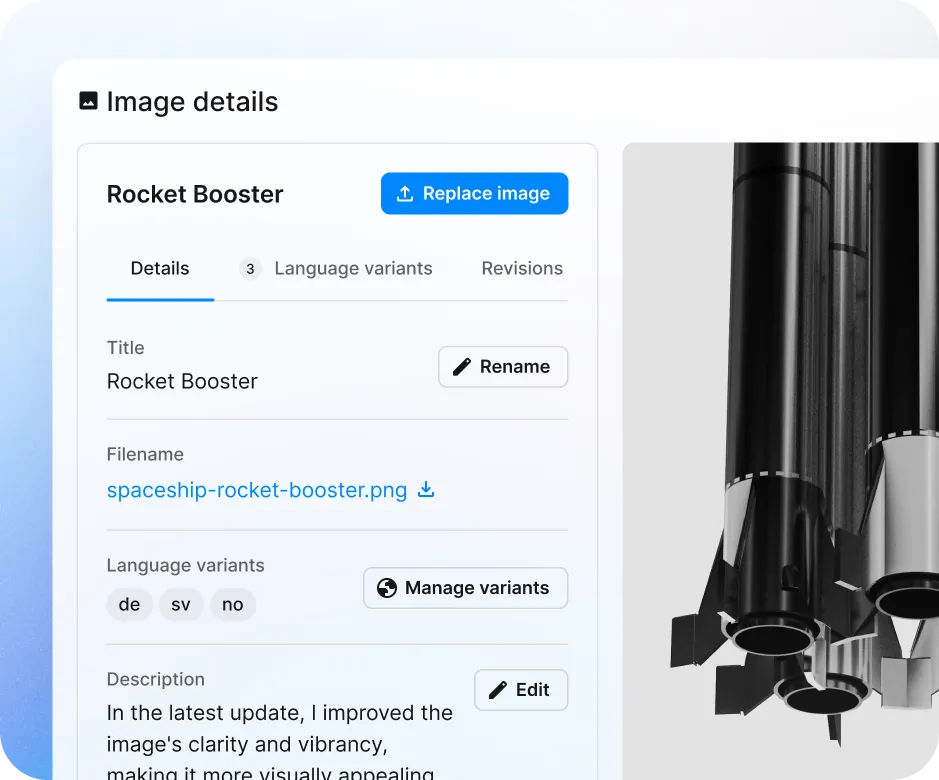
Smart image management

Paligo takes the complexity out of image management. Paligo takes care of producing HTML, print, and other versions of your images, even translated versions of the image.

AI Ready

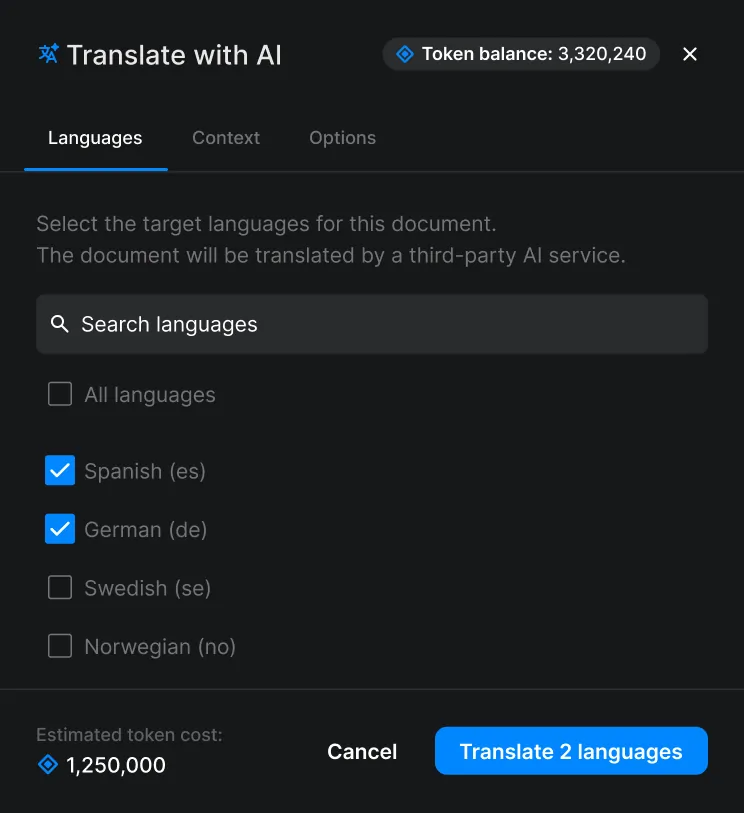
Manage translations.
Not files.

Paligo gives you smart translation management. No more duplicate files for each language. Integrates with Phrase and other TMS solutions.

  • Management view
  • XLIFF support
  • Multi-byte and RTL
  • Bilingual editor
  • TMS integration

Get reviewers and contributors on board

Paligo lets your engineers, SMEs, and other teammates contribute easily in a user-friendly editor that feels like the tools they already use.

I wanted the team size to grow, so it had to be scalable and enable true teamwork. Paligo did all this.

Rochelle FisherKnowledge manager

All the pain of dealing with a lethargic system is gone. Paligo makes tech writers live longer.

Versioning made for technical writers

With version history and roll-back, version branching, and release management made specifically for technical writers and content authors, you don’t have to worry about the complexity of traditional developer-oriented version control systems.

  • Revision history
  • Version compare
  • Version branching
  • Release management

No vendor lock-in: easily export your content

Paligo customers are not locked into Paligo, thanks to the open DocBook content model. If you ever want to migrate your content out of (or into) our platform, you can do so with the confidence that other platforms will be able to ingest your content without issue.

Paligo plays well with other systems you need

With our growing list of integrations, you can publish to Zendesk Help Center, Salesforce Knowledge, ServiceNow, and many other channels, collaborate with your team in Slack or MS Teams, manage professional translations with Phrase, use Algolia, Swiftype, and more high-end search engines, get first-class review comparisons with DeltaXML, and more.

Content Component Management Systems in a nutshell

1. What is a CCMS?

A Component Content Management System (CCMS) manages content at a granular level rather than as whole documents. By storing elements like paragraphs, images, and tables as individual components, it enables efficient content reuse and single-sourcing. These modular parts can be easily assembled and reassembled to create a variety of larger documents.


2. Multi-Channel Publishing

Utilizing XML-based structured authoring, a CCMS ensures high levels of consistency, accuracy, and cost-effective production. It supports multi-channel publishing, allowing you to deliver your content seamlessly across various platforms, including the web, print, eLearning modules, and mobile apps—all from a single source.

3. Advanced Documentation Tools

Unlike traditional CMS platforms that focus on standard web pages, a CCMS is purpose-built for managing large volumes of structured documentation. Key professional features include robust version control, collaboration tools, automated workflow management, and integrated support for global translation processes.

FAQ

Common questions about CCMS

What is a CCMS used for?

A CCMS is used for managing and reusing content at a granular level, allowing teams to create, update, and distribute components—like text snippets and images—across websites, apps, and knowledge bases. This ensures consistency, efficiency ((1) Eliminating repetitive work, save up to 10 hours a week/ user – Source: Customer insights report 2025), and real-time collaboration.

How are a CMS and CCMS not the same?

The difference between CMS and CCMS is that a CMS handles a document or a page as a unit of content, whereas users in a CCMS builds publications from reusable components like text snippets, images, videos or text paragraphs. These components are stored centrally and constitute a single-source of content, enabling streamlined content updates and repurposing across multiple platforms.

What are examples of CCMS?

Paligo is one of the best and most user-friendly CCMS platforms according to our customers, offering structured authoring, content reuse, version control, and multi-channel publishing. It simplifies documentation workflows, ensuring consistency, efficiency, and seamless collaboration across various digital and print outputs.

How does a CCMS work?

A CCMS works by breaking content into smaller, reusable components instead of managing entire documents as single units. It allows you to organize and control individual elements like paragraphs, sentences, or words for greater flexibility and efficiency.

Let's talk documentation

Book a demo
built around your workflows.

  1. Tell us what you needShare a little about your team’s challenges.
  2. Have an exploratory callTalk requirements with our sales team.
  3. See a demo tailored to your teamExplore relevant workflows and get answers to your specific questions.

4.9/5 TrustRadius — Join 4000+ documentation leaders

  • Amazon
  • Fujifilm
  • Allianz
  • Honeywell Sparta Systems