Word or Google Docs vs Paligo.Word and Google Docs are for writing content. Paligo is for managing content.
Whipping up a document is easy. Managing a documentation set is not. Word and Google Docs help you get words on the page. But the moment you need consistency, content reuse, version control, translation workflows, and multi-channel delivery, those tools become the bottleneck. Paligo CCMS gives documentation professionals a structured, single-sourced environment built for accuracy, scale, and future-proofed content operations.
Quick video overview
Learn how you can scale your documentation practice with Paligo CCMS.
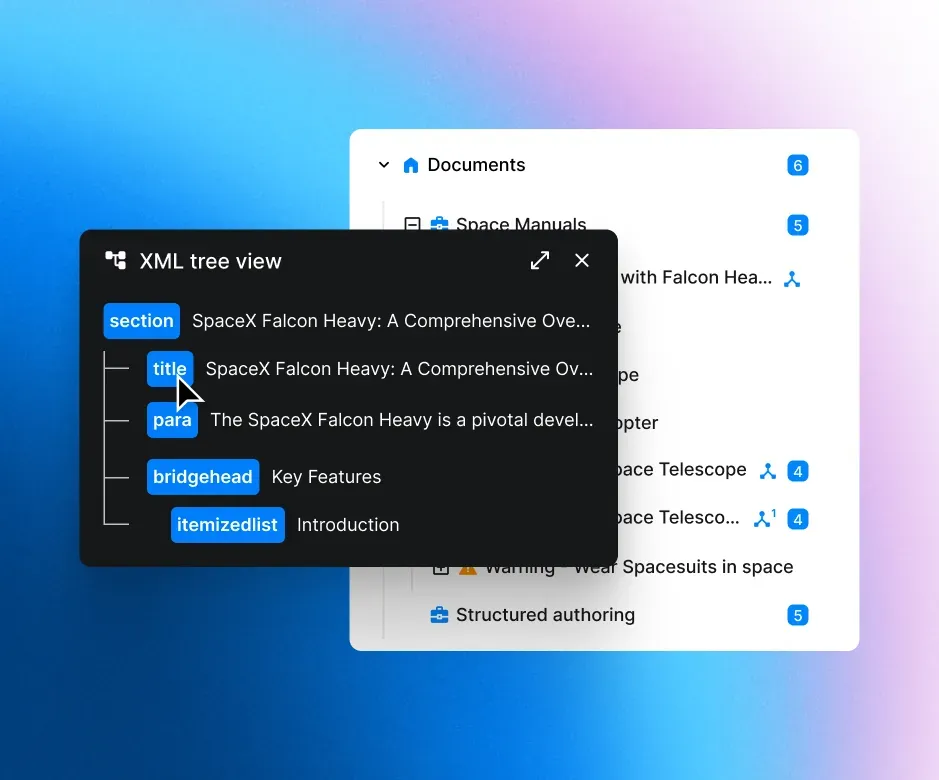
In technical documentation, structure is everything
Word and Google Docs mix formatting with content, making reuse and consistency impossible at scale.
Paligo separates layout from content, enabling topic-based authoring, true reuse, and reliable version management – all in one place.
| Features | Paligo | Word/Docs |
|---|---|---|
| Create topics, not full pages | — | |
| Separate content from its presentation | — | |
| Reuse Topics | LimitedThrough copy/paste, texts can be reused across documents | |
| Version Management | — | |
| Variables/Filters/ProfilingA variable is a container for a changeable value or text. Variables allow you to swap out small parts of content for different publications. Filtering, also known as profiling, is a powerful feature for single-source publishing. It allows you to set content to be included or excluded when you publish, depending on whether it meets your chosen filter criteria.https://docs.paligo.net/en/variables.htmlhttps://docs.paligo.net/en/filtering---profiling.html | — |

Now that everyone on the team is contributing, the doc sprints take an hour instead of a week
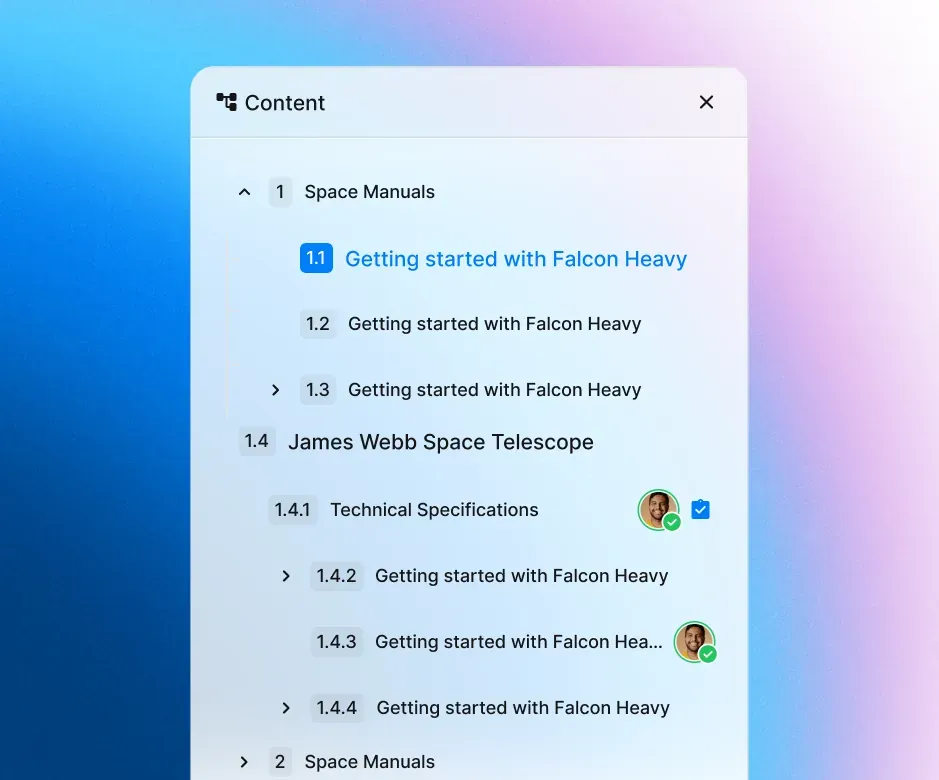
From first draft to final approval - without content chaos
Word and Google Docs let you share files. Paligo lets you run a real content operation: assignments, reviews, contributor workflows, SME commenting, snapshots, and full version history – without email chains or conflicting copies.
| Features | Paligo | Word/Docs |
|---|---|---|
| Assignments | — | |
| Contributor editingContributors are people who can be invited to take part in a contribution assignment, where they edit content or add content. | ||
| SME review and commenting | ||
| Collaboration workflows | — |
Stop managing copies. Start managing content.
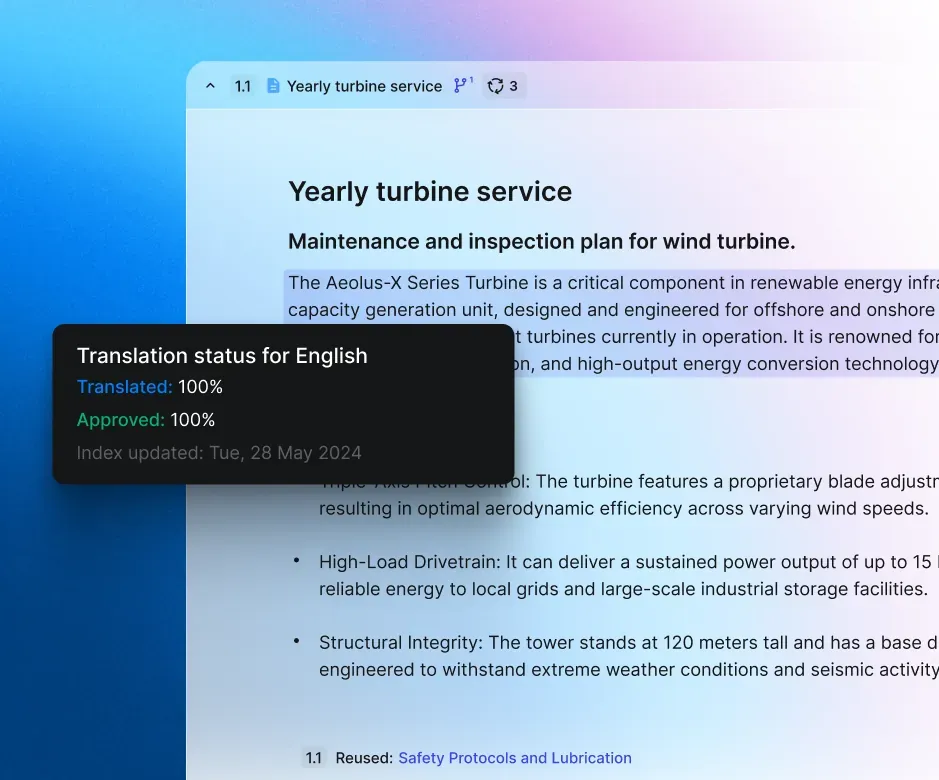
Translations shouldn’t rely on exporting files, sending PDFs, and tracking spreadsheets.
With Paligo, translations are linked to the source topics, tracked through workflows, and updated only once – even if the topic appears in multiple publications.
| Features | Paligo | Word/Docs |
|---|---|---|
| Bilingual Editor | — | |
| Multi-byte & RTLMulti-byte characters, such as emojis and scripts outside the Latin alphabet (e.g., Cyrillic, Arabic, Chinese), are encoded using Unicode, a universal character encoding standard that assigns a unique code point to every character across all writing systems. RTL translation refers to the process of localizing content into languages that are written and read from right to left, such as Arabic, Hebrew, and Urdu. | — | |
| Translations linked to original content | — | |
| TMS Integration | — |
One source. Endless opportunities.
Word and Google Docs lock content into static documents. Paligo CCMS creates reusable components you can use everywhere your customers need them – on websites, knowledge bases, CDPs, and even PDFs.
| Features | Paligo | Word/Docs |
|---|---|---|
| Hosting Provider (e.g., Netlify) | — | |
| CDP (Paligo CDP, FluidTopics) | — | |
| Zendesk, Salesforce, ServiceNow | — | |
| GitHub, Amazon S3 | — | |
| HTML5 |
Paligo vs Word/Google Docs
Ready to move past one-off documents and into scalable content operations? Paligo CCMS helps you scale your documentation processes with ease. Download the guide to learn more.

We don’t have to change the authoring platform to change the channel. Single-sourcing our documentation is very significant.

Paligo as a Force Multiplier
Proscia adopted Paligo CCMS to streamline multi-channel publishing and multilingual content production, enabling its lean technical-writing team to deliver high-quality, timely documentation with far greater efficiency.
We have reduced our publication time by 95%. We have reduced our translation costs by 75%, and it now takes 90 seconds to publish 15 languages of the user guide and post them for distribution. We celebrated that last September.
Unstructured vs Structured Content for Documentation
Thinking beyond MS Word or Google Docs? Compare InDesign, MS Word, Google Docs, RoboHelp, Confluence, and Zendesk, in our Structured vs. Unstructured Content Tools guide. Understand the right solution for your growth ambitions today.
Download the complete guide