Paligo vs Adobe InDesignSwitch your design files for AI-ready structured content
Adobe InDesign is for designers. Paligo CCMS is for documentation teams. Move from static layouts to structured, AI-ready, reusable content which you can publish anywhere.
Quick video overview
See how leading teams reduce update times by 97% with Paligo CCMS.
In tech docs, structure beats design
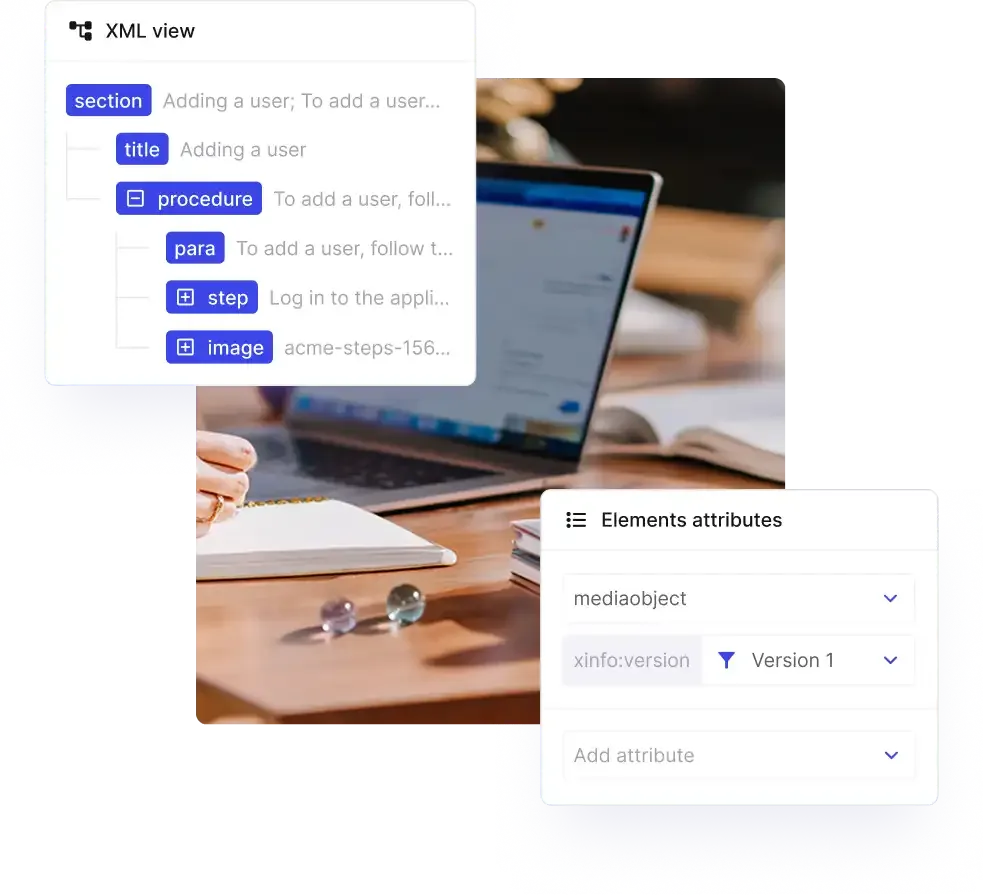
InDesign was built for creating visuals, not managing evolving technical documentation.
Paligo’s topic-based authoring separates content from layout, enabling true reuse, version control, and scalable collaboration – things InDesign simply isn’t built to do.
| Features | Paligo | InDesign |
|---|---|---|
| Create topics, not full pages | — | |
| Separate content from its presentation | — | |
| Reuse Topics | LimitedThrough copy/paste, texts can be reused across documents | |
| Version Management | — | |
| Variables/Filters/ProfilingA variable is a container for a changeable value or text. Variables allow you to swap out small parts of content for different publications. Filtering, also known as profiling, is a powerful feature for single-source publishing. It allows you to set content to be included or excluded when you publish, depending on whether it meets your chosen filter criteria.https://docs.paligo.net/en/variables.htmlhttps://docs.paligo.net/en/filtering---profiling.html | — |

Crane Pumps & Systems successfully achieved the objectives set for Paligo. The implementation of Paligo resulted in a 97% reduction in the time to review, edit, and publish documents.
Built for real-time collaboration, not file sharing
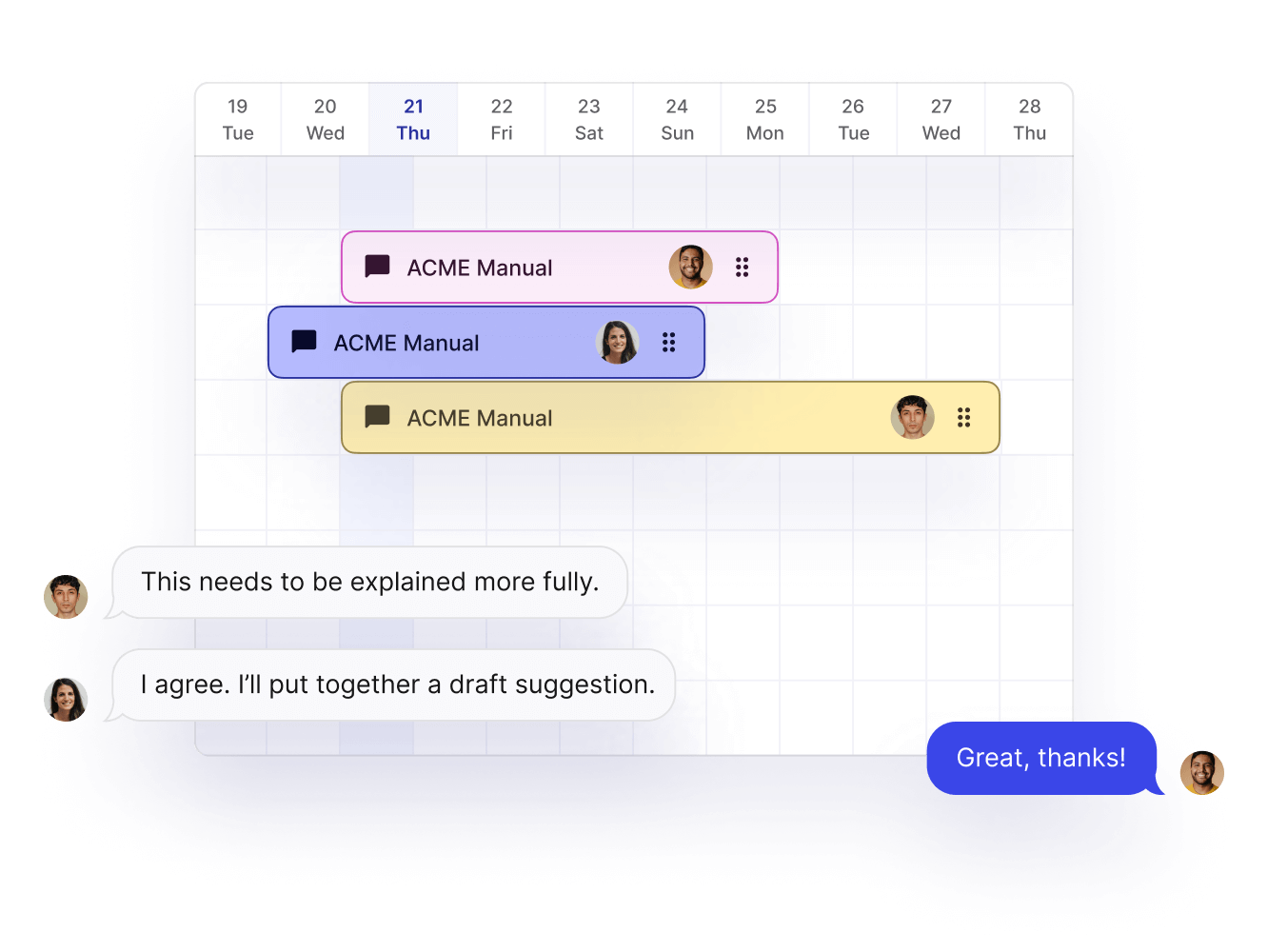
With Paligo, collaboration happens where your content lives. Assign work, track reviews, and manage SME feedback – all without messy file sharing, version confusion, or additional tools.
| Features | Paligo | InDesign |
|---|---|---|
| Assignments | — | |
| Contributor editingContributors are people who can be invited to take part in a contribution assignment, where they edit content or add content. | — | |
| SME review and commenting | — | |
| Collaboration workflows | — |
Translate once, reuse everywhere
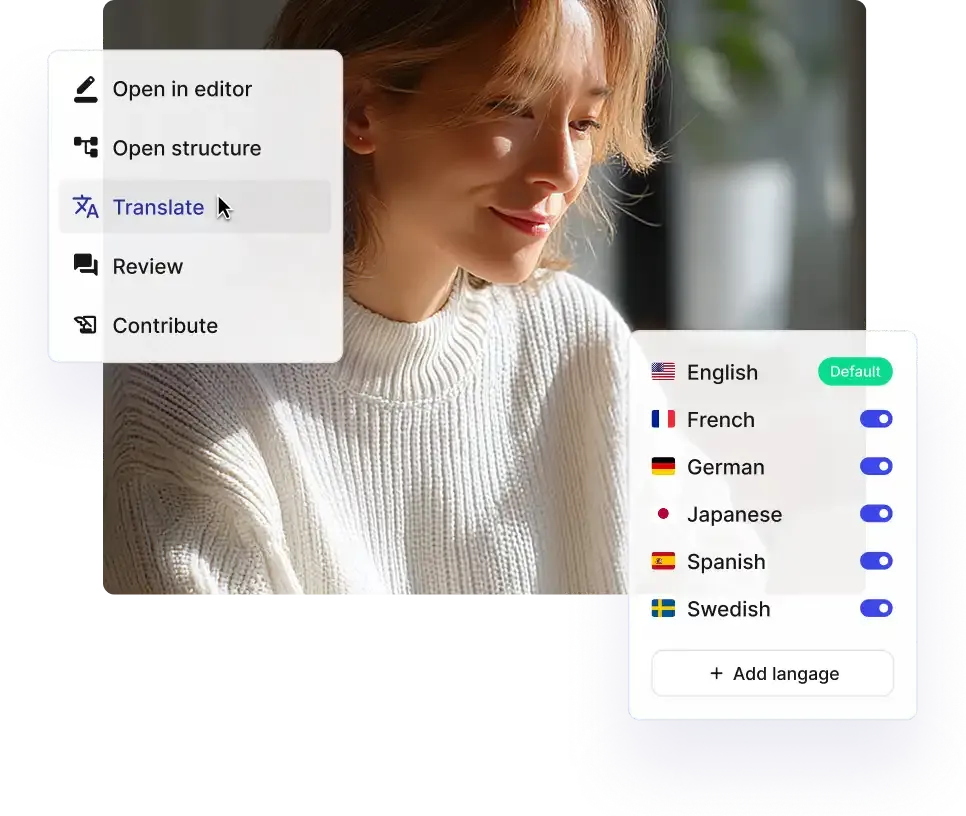
Translation shouldn’t be a copy-paste nightmare. With Paligo CCMS, you translate components, not entire files, so you never translate the same text twice; translate only what changes. Translations are faster, cost less, and are always in sync with your source content.
| Features | Paligo | InDesign |
|---|---|---|
| Bilingual Editor | — | |
| Multi-byte & RTLMulti-byte characters, such as emojis and scripts outside the Latin alphabet (e.g., Cyrillic, Arabic, Chinese), are encoded using Unicode, a universal character encoding standard that assigns a unique code point to every character across all writing systems. RTL translation refers to the process of localizing content into languages that are written and read from right to left, such as Arabic, Hebrew, and Urdu. | Limited | |
| XLIFF | — | |
| Translations linked to original content | — | |
| TMS Integration | Phrase, CrowdIn, Paligo API | — |
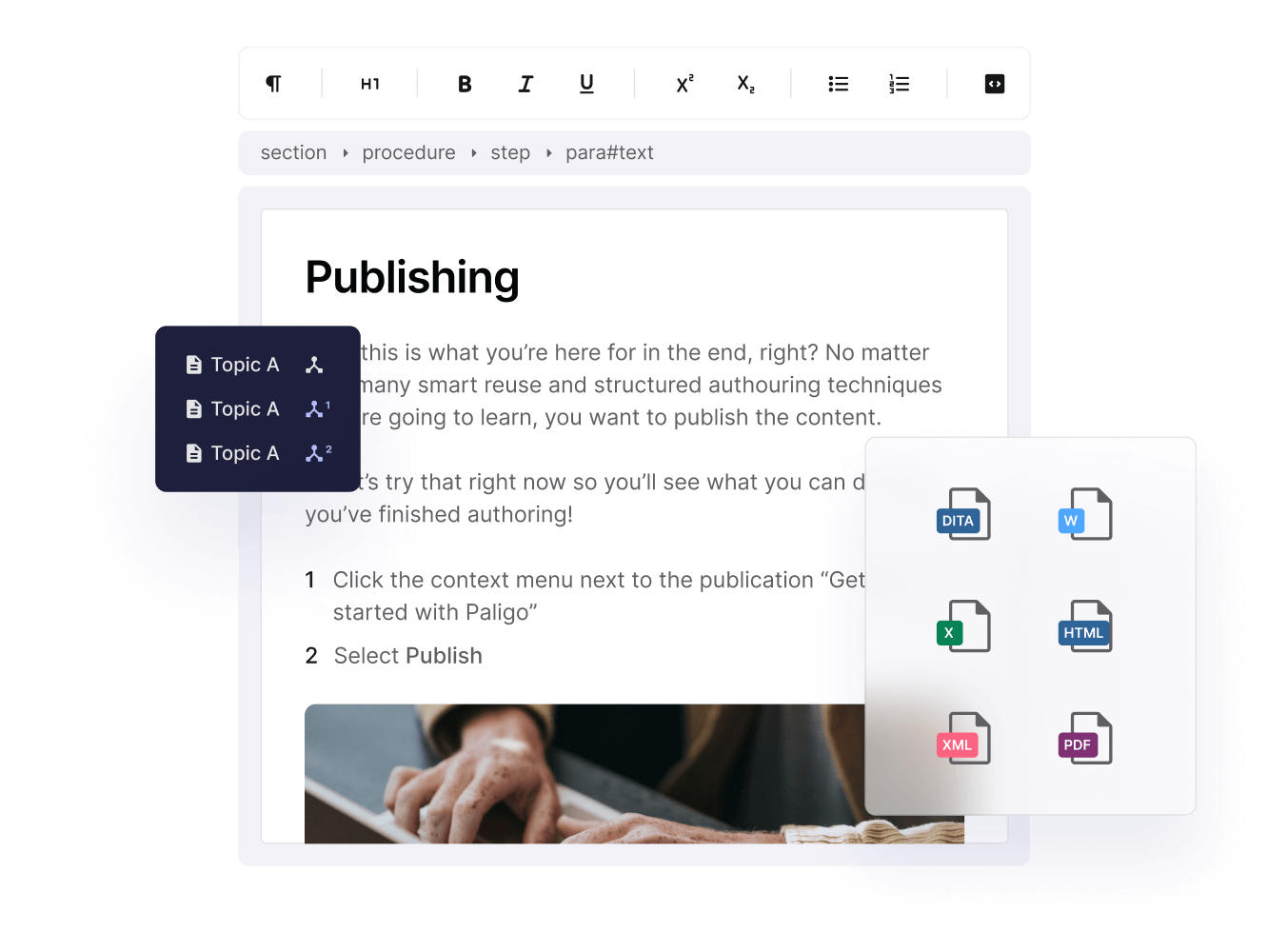
From PDFs to publishing everywhere your customers are.
InDesign stops at PDF. Paligo CCMS sets your content free. Publish your technical content wherever your customers need it – on websites, knowledge bases, CDPs – as well as PDFs.
| Features | Paligo | InDesign |
|---|---|---|
| Hosting Provider (e.g., Netlify) | — | |
| CDP (Paligo CDP, FluidTopics) | — | |
| Zendesk, Salesforce, ServiceNow | — | |
| GitHub, Amazon S3 | — | |
| HTML5 |
Get the Guide: Paligo vs InDesign
Discover why structured authoring is the answer to your documentation headaches. Get the full Paligo vs Adobe InDesign guide.

We don’t have to change the authoring platform to change the channel. Single-sourcing our documentation is very significant.

Effortless updates with Paligo CCMS
Crane Pumps & Systems transformed its documentation workflow by replacing InDesign with Paligo CCMS. What used to take more than 15 hours now takes less than 30 minutes thanks to topic-based authoring, content reuse, and one-click publishing.
With Paligo, we went from 930 minutes to 28 minutes [for a change request] because everything is linked now. That’s a 97% reduction.
Unstructured vs Structured Content for Documentation
Thinking beyond InDesign? Compare InDesign, MS Word, Google Docs, RoboHelp, Confluence, and Zendesk, in our Structured vs. Unstructured Content Tools guide. Understand the right solution for your growth ambitions today.
Download the complete guide