Collaboration Benefits for Technical Documentation
Easy collaboration on authoring and reviewing content lets you spend your time focusing on creating great content.
Book a demo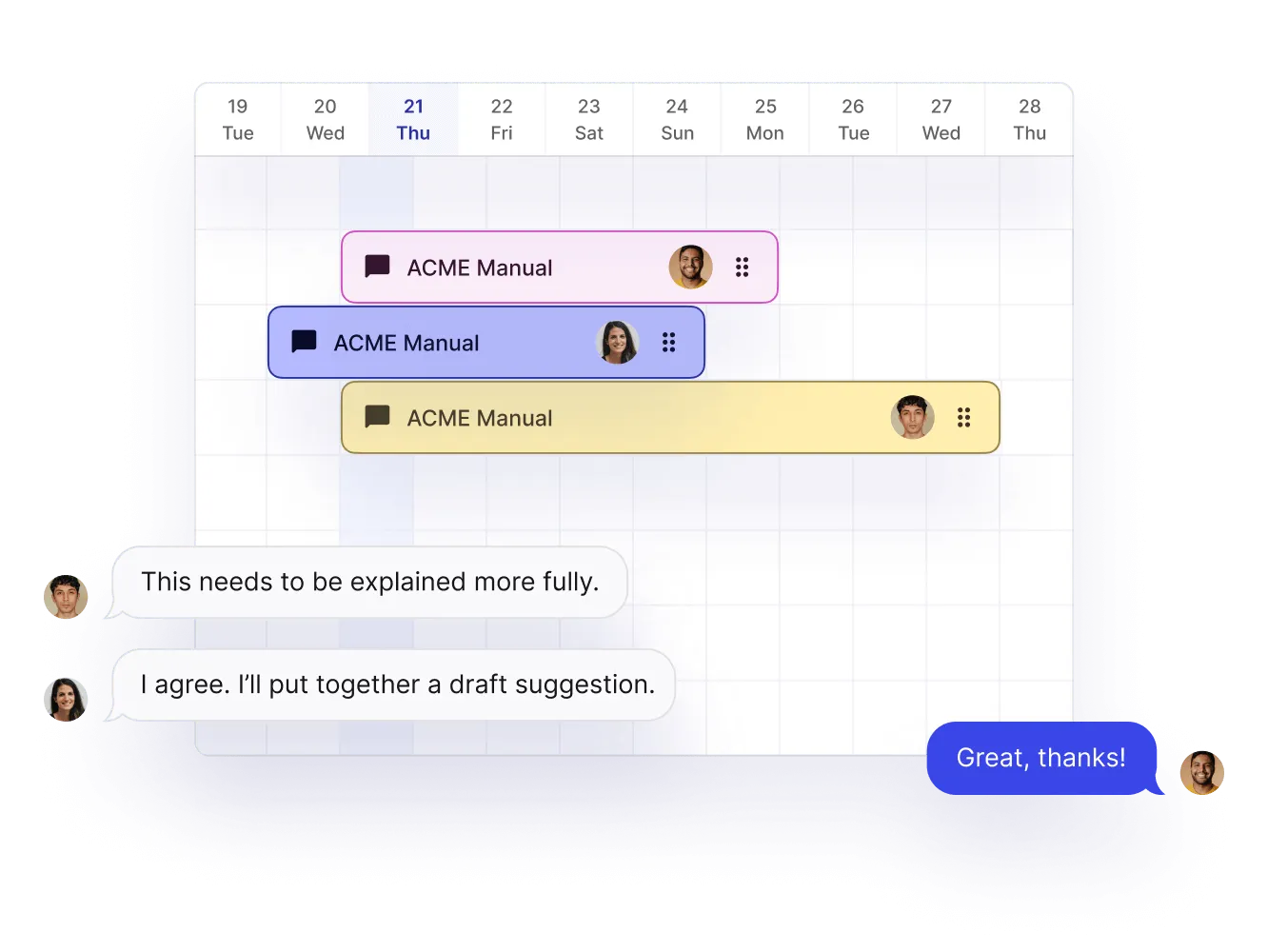
Why is collaboration important in technical documentation?
Brief overview of how you as an author can collaborate with others in Paligo. To find out all the details, we provide an in-depth demo video on Content Collaboration (approx 30m long) on the Paligo Academy here.
Collaboration is important in technical documentation because teams need an easy way for multiple people to work on different aspects of the same document. When teams can work together without roadblocks, they create better, more comprehensive documents. A good collaboration flow ensures the document is accurate and consistent, as different people can review and provide feedback throughout the process.
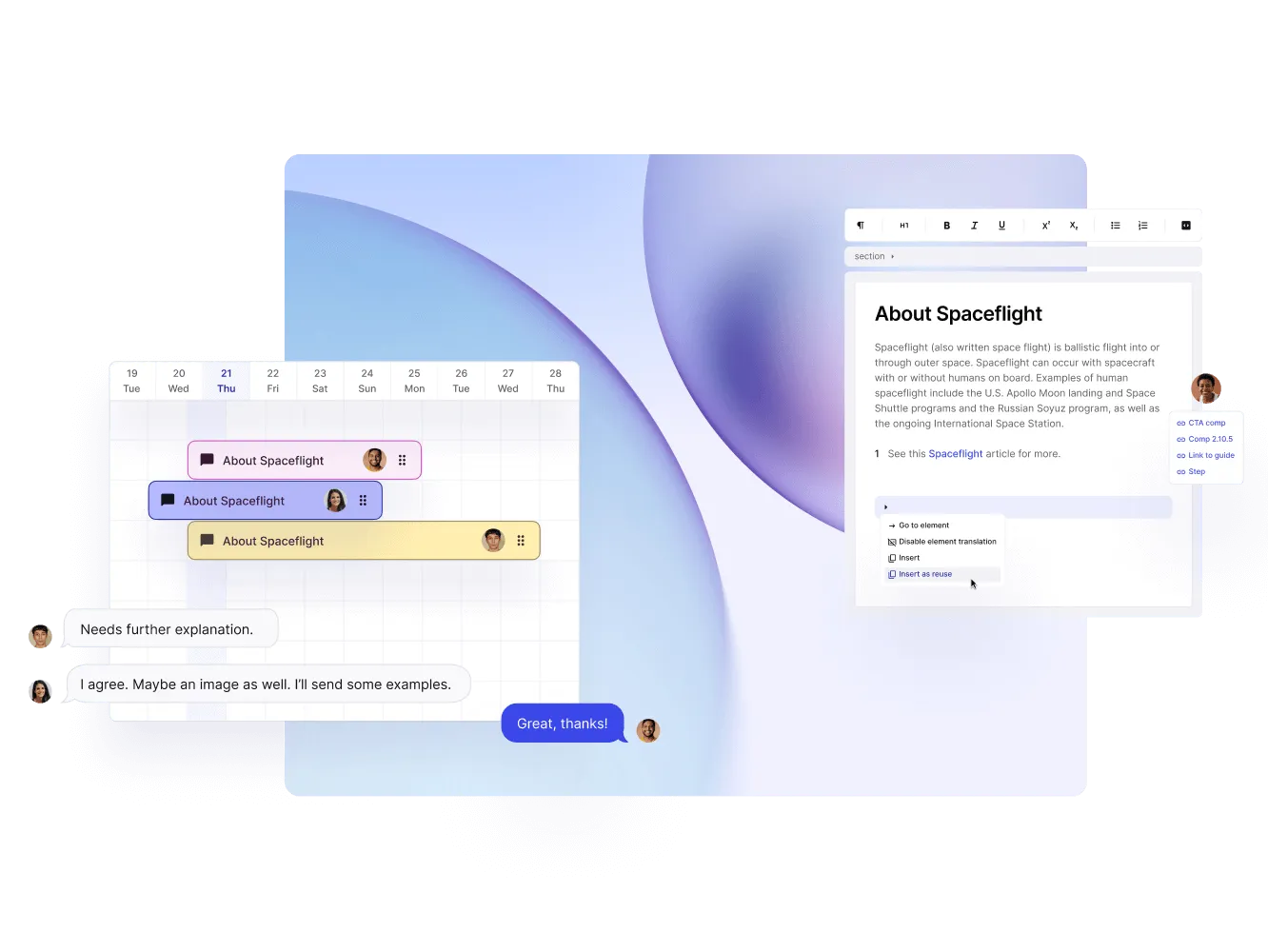
Assignment creation and contributor editing is simple with Paligo
The Paligo CCMS (component content management system) lets you set a start and end date, as well as a custom message that provides some context or special instructions when creating an assignment. Once sent, the assigned user will receive an email notification with a link that they can simply click to open the review assignment.
With a contribution assignment, a contributor can add content, edit existing content, and provide feedback. When finished, an email is sent to the assignment owner to let them know the assignment is complete.

Benefits of collaboration in Paligo
Paligo makes collaboration simple and efficient. Team members can make changes to content without overwriting each other’s work and can keep track of who made what changes and when. This makes it easier for teams to work together, even when they’re in different locations.
Additional benefits include:
- Users can review and edit content assigned to or shared with them.
- Outside reviewers can only review and leave comments on content, so there is no risk of changes or edits to the original content.
- Increased visibility into the project development process in real time, allowing team members to quickly identify and troubleshoot any issues.
- Ability to create and reuse content in a more organized manner, so it’s easier to find and access information.

What are the ideal use cases for collaboration?
Collaboration gives companies more focused feedback. It is vital to have a smooth collaborative workflow for teams to share resources, ideas, or perspectives. Collaboration is ideal for projects where more than one person is involved, especially when there is a need for quick review and feedback. Good collaboration is necessary when developing new products or services or finding creative solutions to difficult challenges.